Our experience spans two dedicated websites.
Discover the world of Collaborative and Meeting Spaces:
Discover the world of Collaborative and Meeting Spaces:

Industrial data visualization is the art of making the unreadable readable. Thousands of variables changing every second, sensors spread across kilometers of piping, and dozens of interconnected machines, all condensed into a visual form the human eye can grasp in an instant. This is not magic. It is design, ergonomics, and information architecture. And it has become one of the most overlooked drivers of industrial performance.
Thirty years ago, a control room had a fairly austere look. Rows of indicator lights. Needles flickering across analog gauges. Keyboards that made a satisfying click with every press. The data was there, but it was not really “visualized” in the modern sense. It had to be read, interpreted, and sometimes jotted down in a notebook.
Then came computerized supervision. SCADA systems (Supervisory Control and Data Acquisition) centralized data collection and display on operator workstations. This was a major step forward. But for a long time, these interfaces stayed purely functional without being truly designed around human needs. Tables of numbers on black screens. Basic process diagrams. Alarm after alarm triggering in rapid succession until the operator became overwhelmed and eventually started ignoring them. This phenomenon, known as “alarm flooding,” has been linked to several serious industrial accidents.
What dataviz introduced was a fundamental shift in thinking. Instead of showing raw data, it shows what the operator actually needs to understand in order to make decisions. This seemingly small change transforms everything.
In process industries such as chemicals, energy, water treatment, and food production, the process diagram is the main form of visualization. It is a live, functional map of the plant: pipes, valves, pumps, heat exchangers, tanks, all displayed and updated in real time. A valve opening changes appearance. A faulty pump turns red. Flow rates appear directly next to the corresponding equipment.
What makes process diagrams so effective is that they rely on something very human: our ability to detect anomalies in a familiar visual environment. An experienced operator can spot in seconds that a valve is in the wrong position or that a level indicator is unusually low. Not because they are reading values, but because something simply looks off.
A single value does not tell you much. A tank level at 68 percent, for example, means little on its own. Is it normal? Is it rising or falling? How long has it been there? This is where trend curves become essential in industrial data visualization.
By showing how a variable evolves over hours or even days, they give operators something that real-time readings cannot: a sense of direction. A slow drift that would be invisible at a single point in time becomes obvious on a curve. And it is often these slow drifts that lead to failures or incidents.
Modern control systems allow multiple curves to be overlaid, events to be annotated, and critical periods to be zoomed in on. Some even go a step further, automatically detecting unusual patterns and flagging them before the operator notices anything is wrong.
For production managers and leadership teams, other types of visualization are especially useful. Heat maps, for example, compress the performance of dozens of production lines or pieces of equipment into a simple color-coded grid over a day or a week. At a glance, they reveal areas of consistent underperformance.
Pareto charts remain a core tool for continuous improvement. They rank the causes of defects or downtime by frequency, helping teams focus on the issues that matter most. When combined with an interactive interface, they become even more powerful, allowing users to filter by shift, machine, or type of stoppage with a single click.
Finally, composite indicators such as OEE (Overall Equipment Effectiveness) condense the health of an entire production line into a single color-coded value, green, orange, or red. They are quick to read and easy to understand, but they sit on top of complex calculations that data visualization helps make instantly understandable.
Industry players have not needed much convincing. The market data speaks for itself.
According to data published by 360 Research Reports, the global data visualization tools market is estimated at 8.47 billion dollars in 2026 and is expected to reach 18.52 billion dollars by 2035, representing an average annual growth rate of around 9 percent. This growth is not primarily driven by finance or marketing. It is largely fueled by manufacturing, energy, and critical infrastructure, sectors where data is not a secondary asset but the very foundation of operations.
And tangible results are starting to accumulate. Predictive analytics combined with advanced visualization tools reduces unplanned downtime by up to 40 percent by enabling failures to be anticipated before they occur. In industries where a single hour of downtime can cost hundreds of thousands of euros, the return on investment is measured in months, not years.
For a long time, industrial control interfaces were designed almost exclusively by process engineers, not by designers or ergonomics specialists. The result was often the same: cluttered screens, inconsistent color use, and critical information lost in a sea of secondary data.
The ISA-101 standard, which defines best practices for human-machine interface design in industrial environments, brought much-needed structure. Color should carry meaning, such as alarms or abnormal conditions, rather than be used for decoration. Backgrounds should remain neutral so that anomalies stand out naturally without visual strain. Information should also be clearly prioritized, with what matters most placed front and center, and contextual details kept in the background.
What this approach makes clear is that operator performance depends as much on interface quality as it does on training or experience. A poorly designed HMI leads to fatigue, mistakes, and slower reactions. A well-designed one, grounded in cognitive principles, becomes a safety tool in its own right.
Artificial intelligence has quietly entered control rooms, not to replace operators, but to help them notice what would otherwise go unseen.
In practice, algorithms trained on historical production data pick up on unusual combinations of variables, patterns that may seem harmless in isolation but together signal the early stages of a failure. The AI flags these situations, and the operator makes the decision. This division of roles is what makes the approach effective: machines excel at processing vast amounts of data in parallel, while humans are better at interpretation, context, and decision-making.
Industrial supervision, on-site quality control, and predictive maintenance all depend on low latency and clear decisions about where data is processed. This is why edge computing is increasingly becoming the standard architecture in critical environments. By processing data closer to the equipment instead of sending it to a remote cloud, response times are reduced to just a few milliseconds. In a high-speed packaging line or a power plant, that difference is anything but negligible.
One of the most noticeable shifts in 2026 is the gradual disappearance of static BI dashboards. These fixed reports are being replaced by conversational and predictive analytics: users are no longer just looking at data, they are actively interacting with it in natural language, getting automated insights, and exploring information through guided workflows.
In control rooms, this translates into very concrete use cases. A shift supervisor can simply ask, “Which production lines had stoppages longer than 15 minutes this week?” and instantly get an interactive chart in return, without building a report or going through IT. Access to data is becoming far more direct. Information is no longer locked away with data teams.
The digital twin, a dynamic virtual replica of a machine or an entire production line, has moved from an emerging concept to a fully operational tool in many large industrial environments. Its value for data visualization is straightforward: it lets teams see not only what is happening right now, but also what would happen if certain parameters were changed.
It can be used to test a new process recipe on the twin before rolling it out on the actual production line. To simulate how a system behaves under unexpected load. Or to assess the impact of maintenance work on output before making any physical changes.
Early adopters, especially in the oil and gas sector, are already reporting significant improvements in day-to-day decision-making and operational efficiency.
When a new control system is deployed, the instinct is often to display everything: every sensor, every alarm, every secondary variable. The result is usually the same – cluttered, unreadable screens where the signal gets lost in the noise. Data visualization is not about showing more. It is about showing less, but better. A good dashboard is one that makes deliberate choices about what matters.
In critical environments, ergonomics specialists typically rely on a rule of thumb of 5 to 7 key indicators per screen. No more than that. Anything beyond this should still be available, but not constantly in view. A layered structure – starting with a high-level overview and drilling down into detail screens when needed – is one of the most effective ways to manage complexity without overwhelming operators.
Poorly designed industrial interfaces often use color as decoration: blue buttons to look modern, gradient backgrounds to feel “professional.” In a control room, this is more than just a design flaw—it can be risky. Every color must have a clear and consistent functional meaning: red for alarms, yellow for warnings, green for normal operation, and nothing else.
An alarm that goes off without explaining what likely triggered it, how critical it is, and what action should be taken is only half an alarm. Experienced operators may be able to interpret it quickly, but newer staff often cannot. And in a context of high turnover and ongoing knowledge transfer, well-designed data visualization also becomes a way of capturing and passing on operational know-how.
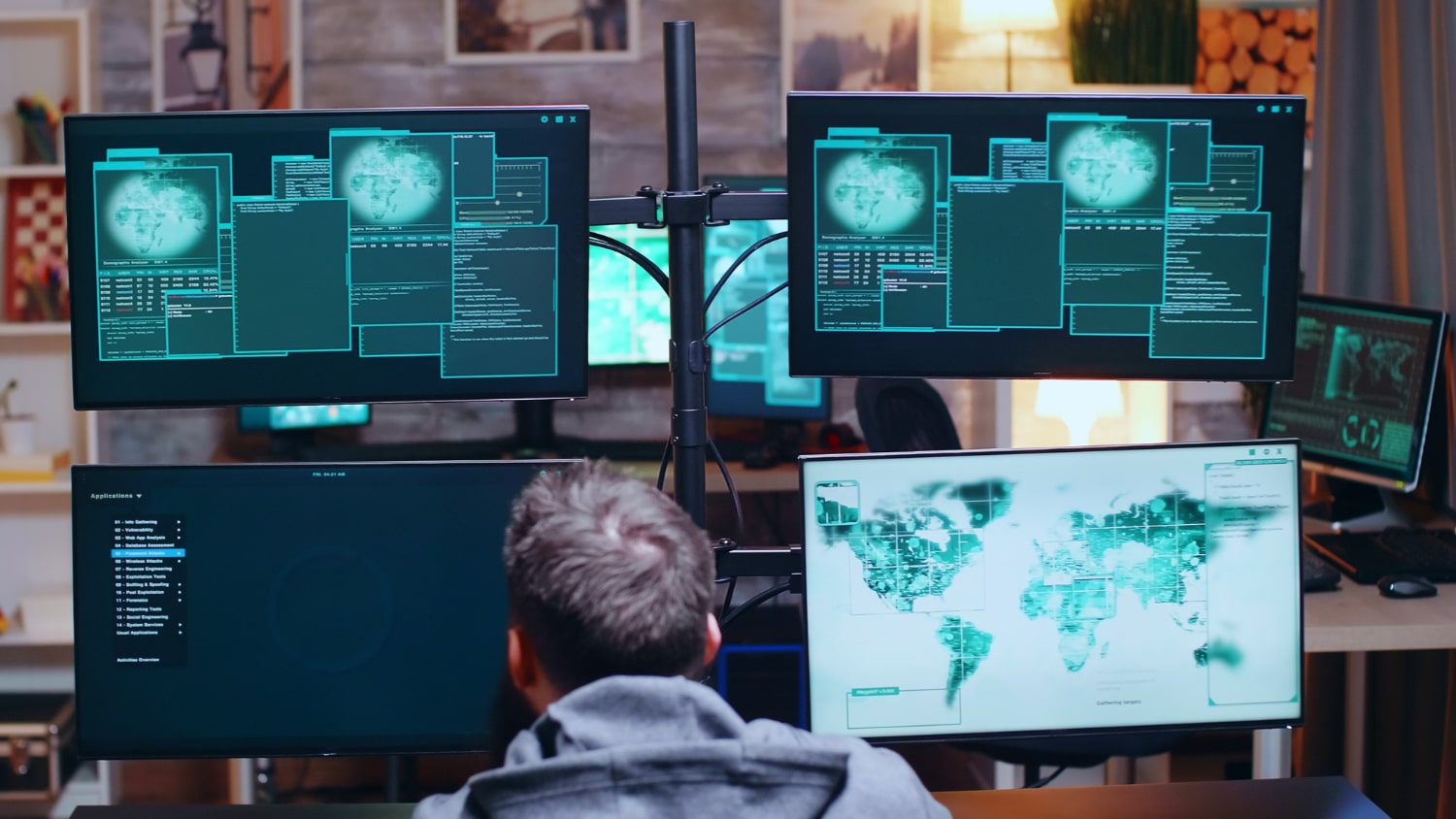
SCADA is a supervision and data acquisition system: it collects, transmits, stores, and displays process data. Industrial data visualization sits on top of it. It takes that data and turns it into something readable, analyzable, and actionable. The two are complementary. Modern platforms often combine them in a single environment, but their logic remains distinct: SCADA handles the data, while data visualization presents it in a meaningful way.
No. Many improvements can be made without a full overhaul. Redesigning existing screens based on ISA-101 principles, reducing the number of primary indicators, and adding trend curves where they are missing are all high-impact changes that can often be implemented with the tools already in place. Deeper transformation can then come later, step by step.
The most effective arguments are financial. How many hours of unplanned downtime did the plant experience last year? What was the cost per hour? If better early detection prevents even 20 percent of those stoppages, the return on investment becomes easy to demonstrate. Sector studies on predictive analytics gains also provide credible benchmarks for executive discussions.
Increasingly, yes. The rise of cloud platforms, modular solutions, and no-code interfaces has significantly lowered the barrier to entry. A mid-sized industrial site can now deploy effective supervision dashboards without a dedicated data science team. The key is to start simple: identify the three or four truly critical indicators, make them visible and reliable, and build from there.
A central one. Automation and advanced data visualization do not replace human judgment; they enhance it. In complex, ambiguous, or unexpected situations, it is still the operator who makes the final decision. What technology does is remove the burden of repetitive tasks, passive monitoring, and data consolidation, allowing operators to focus their attention and expertise on what truly matters.
A well-designed control room is, above all, a sign that an organization takes its data seriously. Not just in terms of collection, which most industrial players have already mastered, but in how that data is used every day. It means making information accessible to the people who need it, in a form that helps them act, not just observe.
Sources:

Copyright © 2026. MOTILDE. All rights reserved.