
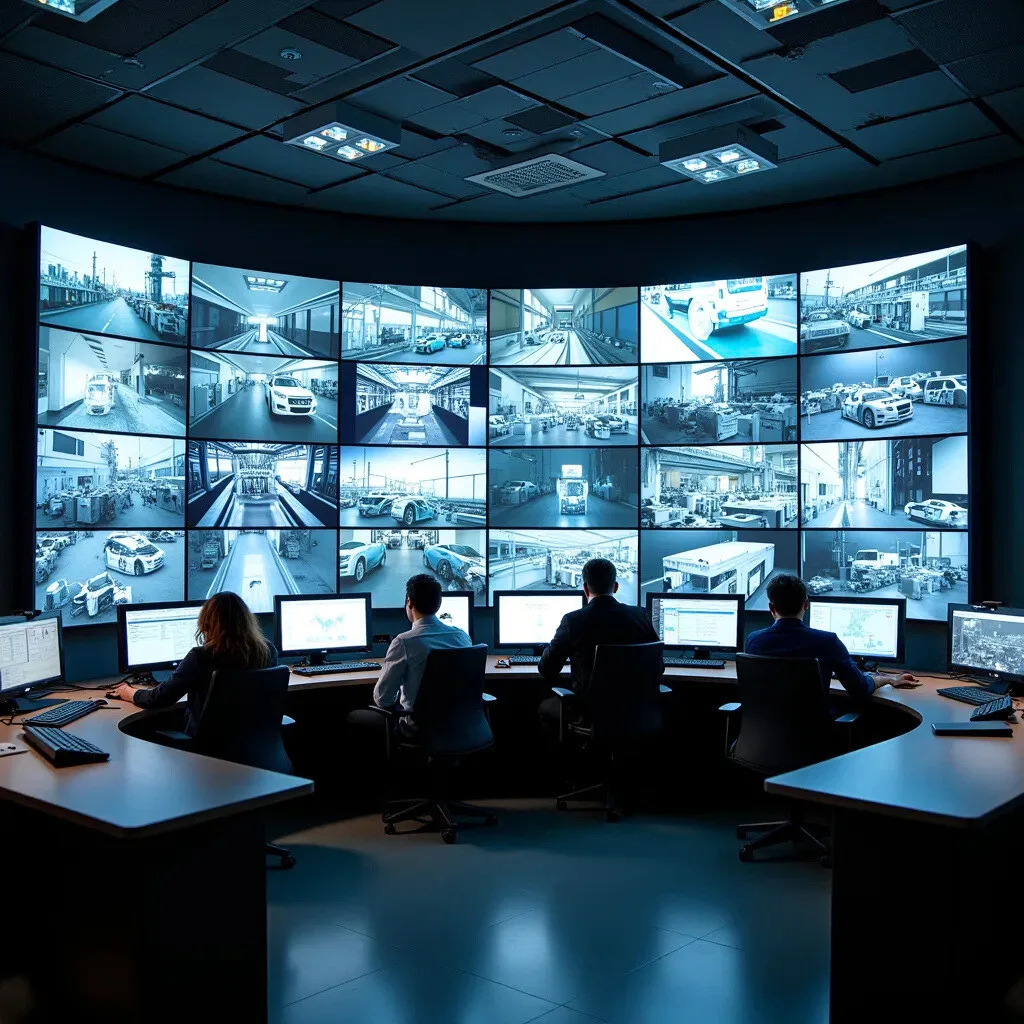
In a control room, a screen often shows the same information for months on end. The same mimic diagram, the same alarm bar, the same timestamp banner, always in the same place. This is exactly why image retention is so common in mission-critical environments, while it remains a minor issue in a typical office.
The phenomenon is widely misunderstood. Many operators mistake the ghost image for a display fault, or downplay it until the day the mark becomes permanent. Yet there is plenty that can be done, through interface design, panel settings and operating rules. Understanding how it works helps preserve video wall readability and avoid premature replacements that are rarely covered by warranty.
Key takeaways
The term covers two distinct realities that operators should clearly tell apart, because the right response is completely different in each case.
Image retention, also referred to as image persistence in technical documentation, is a visual residue of previously displayed content. It appears after several hours of static display and disappears once the screen shows varied content again. It is neither a manufacturing defect nor a sign that the panel is reaching the end of its life.
Permanent burn-in works differently. On an OLED panel or an LED module, it reflects the physical degradation of the most heavily used emitters. On an LCD panel, it reflects a lasting polarization of the liquid crystals, which no longer return to their neutral orientation. In both cases, no software procedure can restore the original uniformity.
The line between the two is not clear-cut. A residual image tolerated for months eventually becomes etched into the panel. That is why operations teams should treat the first symptom as a warning sign, not a visual curiosity.
An LCD pixel modulates light from a backlight using liquid crystals aligned by an electric field. When the same voltage is applied to the same subpixel for hundreds of hours, residual charges build up in the cell. The crystals then take longer to realign when the image changes, leaving a faint ghost outline.
Emissive technologies work differently. Each diode produces its own light and ages in proportion to how much it is used. A white logo displayed around the clock wears out its diodes faster than the rest of the panel, creating a luminance gap that becomes visible on flat backgrounds.
A control room does not use its screens the way an office uses its monitors. This difference in usage accounts for most of the image retention risk.
Visual stability is an operational requirement. Operators need to find a critical indicator in exactly the same place, day or night, under pressure. Mimic diagrams, status tiles, network maps and CCTV grids are therefore fixed by design.
The math is simple. An alarm banner displayed continuously accumulates 168 hours of identical load per week, or more than 8,700 hours per year. No office use comes close to that level of stress on such a small area of the panel.
Supervision interfaces favor light text on dark backgrounds to limit eye strain in dimmed lighting. This ergonomic choice, consistent with ISO 11064 on the ergonomic design of control centers, inevitably creates huge differences in usage between neighboring subpixels. Some run at full capacity while their neighbors stay almost completely off.
High brightness, often needed in rooms with natural daylight, generates heat. A poorly ventilated video wall, recessed into a cladding with no air return, will see its panels run several degrees above their optimal range. Temperature accelerates drift and makes ghost images more persistent.
The choice of technology shapes the nature of the risk without ever eliminating it. The market is still growing strongly: the global video wall market was estimated at USD 10.23 billion in 2024, with expected growth of 11.7% per year between 2025 and 2030, and LED technology alone accounted for more than 59% of revenue in 2024 (Grand View Research).
This shift toward LED changes the nature of the risk more than it removes it.
| Technology | Risk of temporary retention | Risk of permanent burn-in | Points to watch |
|---|---|---|---|
| IPS LCD (standard video walls) | High | Moderate, after prolonged exposure | Frequent residual images in high-stress areas, reversible if addressed early |
| VA / TN LCD | Moderate | Low to moderate | Narrower viewing angles on a wide wall |
| Fine-pitch LED (dvLED) | Low | Real with intense static content | Differential diode aging, regular calibration required |
| OLED | Low | High | Poorly suited to static 24/7 display |
For continuous operation, professional panels certified for 24/7 use remain the benchmark. They include dedicated features such as pixel shifting, panel refresh and automatic luminance control, which consumer models lack.
The major manufacturers in this segment, including Samsung, LG and Barco, document these features in detail in their user manuals.
The first impact is operational. A ghost image overlaid on a mimic diagram creates visual noise. It slows down reading, makes it harder to spot a change of state and distracts attention at the very moment it should be sharpest.
The second impact is contractual. Manufacturer documentation has long warned that prolonged display of static images can cause permanent damage, and that such damage is not covered by warranty. Some manuals explicitly recommend limiting static elements to a small share of weekly operating time. An operator who discovers this when filing a claim also discovers that the replacement will come out of their own budget.
The third impact is financial. On a twelve-panel video wall, replacing a single module creates a color uniformity problem with the other eleven, which have already aged. The real cost therefore often exceeds the price of a single panel.
Effective prevention combines four levels of action.
The most powerful lever is editorial before it is technical. The idea is to move whatever can move, without touching what must stay stable for the operator.
Video wall management platforms on the market, including those from VuWall, Datapath and Matrox, can automate these rotations through time-based scenarios. Automation matters as much as the rule itself: a manual rotation depends on an operator remembering it, and memory is the first thing to go in a crisis.
Excessive brightness almost never improves readability. It tires operators, heats up the panel and speeds up image retention. Setting brightness to match the room’s ambient lighting, combined with a light sensor, reduces stress on the panel without compromising comfort.
Built-in features should be enabled from commissioning: pixel shifting, refresh cycles, automatic dimming of static areas. They are often left disabled by default during rushed installations.
A control room does not have the same needs at 3 a.m. as it does in the middle of a shift handover. Scheduling different scenarios makes it possible to lower luminance during quiet periods, switch to alternative views or turn off certain areas when alerts are routed to operator workstations and mobile devices. This kind of control is a core part of the video wall’s functional design.
Chassis ventilation, rear clearance, air return and the room’s temperature setpoint all belong in the technical specifications. Well-planned control room design anticipates these constraints at the study stage, before any cladding is installed.
A simple procedure helps tell temporary retention apart from permanent burn-in.
This last step is often overlooked. Replacing a panel without fixing the interface that marked it simply sets up the same incident two years down the line.
Before renewing a display fleet, a few points provide a useful structure for the specifications:
These criteria should be addressed upfront, when the video wall is being designed. That is the stage where the real trade-off between visual stability and panel preservation is decided.
Not in its temporary form. A typical residual image disappears after a few hours of varied content, with no consequences for the panel. The risk arises when the same stress is repeated over months: the liquid crystals can then retain a permanent residual orientation. How quickly this tipping point is reached depends on panel quality, brightness and operating temperature.
There is no universal threshold. The first noticeable retention appears after several hours of identical display, and manufacturer documentation recommends not exceeding a few consecutive hours of static content. Permanent burn-in, by contrast, builds up over hundreds or thousands of cumulative hours. Twelve hours of daily exposure produces the same effect as continuous operation, only over twice the time.
Image retention and image persistence describe the same temporary phenomenon, and manufacturers use the two terms interchangeably. A “ghost image” refers to the visible symptom rather than the underlying mechanism. Burn-in, in contrast, refers to the permanent stage, when the mark no longer fades with dynamic content.
No. LED modules avoid the phenomenon specific to liquid crystals, but they remain exposed to differential diode aging. A heavily used area loses luminance faster than the rest of the wall, producing a visible difference on flat backgrounds. Regular calibration campaigns correct part of this drift.
Rarely in their traditional form. A screen that goes into standby during an on-call period creates an operational risk that outweighs any hardware benefit. Better alternatives include enabling pixel shifting, scheduling content rotations and lowering luminance during quiet periods, without ever hiding critical information.
Image retention reproduces the shape of previously displayed content: a frame, a banner, a logo. A uniformity defect, on the other hand, produces diffuse variations with no recognizable geometry, visible only on flat backgrounds. A ghost image fades after running dynamic content, while a uniformity defect stays exactly the same.
In the vast majority of cases, no. Warranty terms explicitly exclude damage caused by prolonged display of static images, even on professional models. This exclusion alone justifies putting formal operating rules in place as soon as the system is handed over.
Image retention is not a technological inevitability, but the logical consequence of a specific use: displaying the same information, in the same place, all the time. In a mission-critical environment, that use is non-negotiable. What can be negotiated, however, is how the interface, the settings and day-to-day operations spread the stress across the panel surface.
Current developments are heading in the right direction. The rise of fine-pitch LED, the spread of luminance compensation algorithms and the integration of rotation logic directly into video wall management platforms are gradually reducing exposure. The arrival of predictive models capable of anticipating wear zone by zone opens up a further avenue, turning corrective maintenance into preventive management.
Still, the best protection remains a coherent design from the outset, where room ergonomics, panel selection and interface structure are considered together rather than one after the other. That is precisely the purpose of a control room ergonomics study carried out before installation, not after the first ghost image appears.

Copyright © 2026. MOTILDE. All rights reserved.